System Features

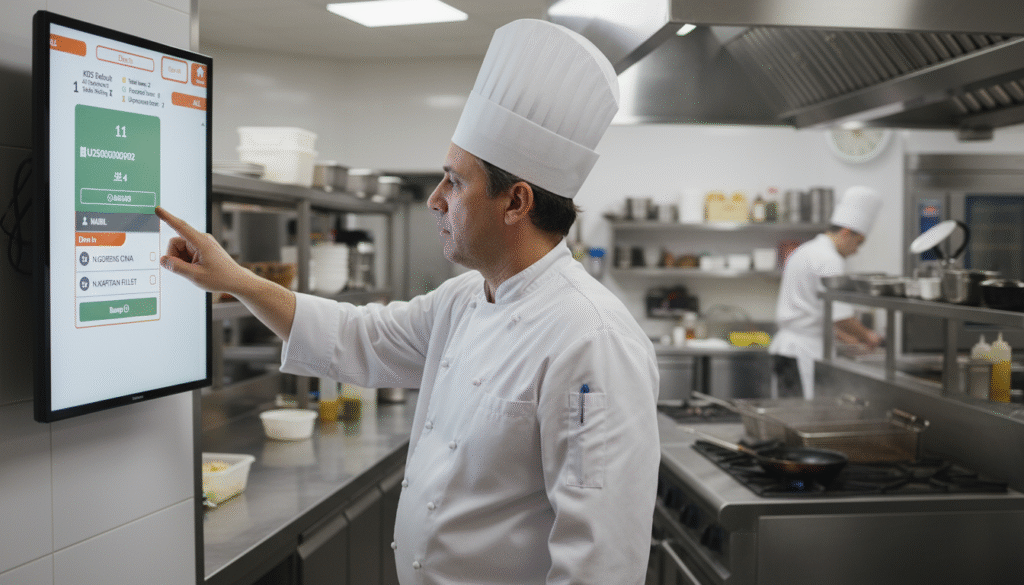
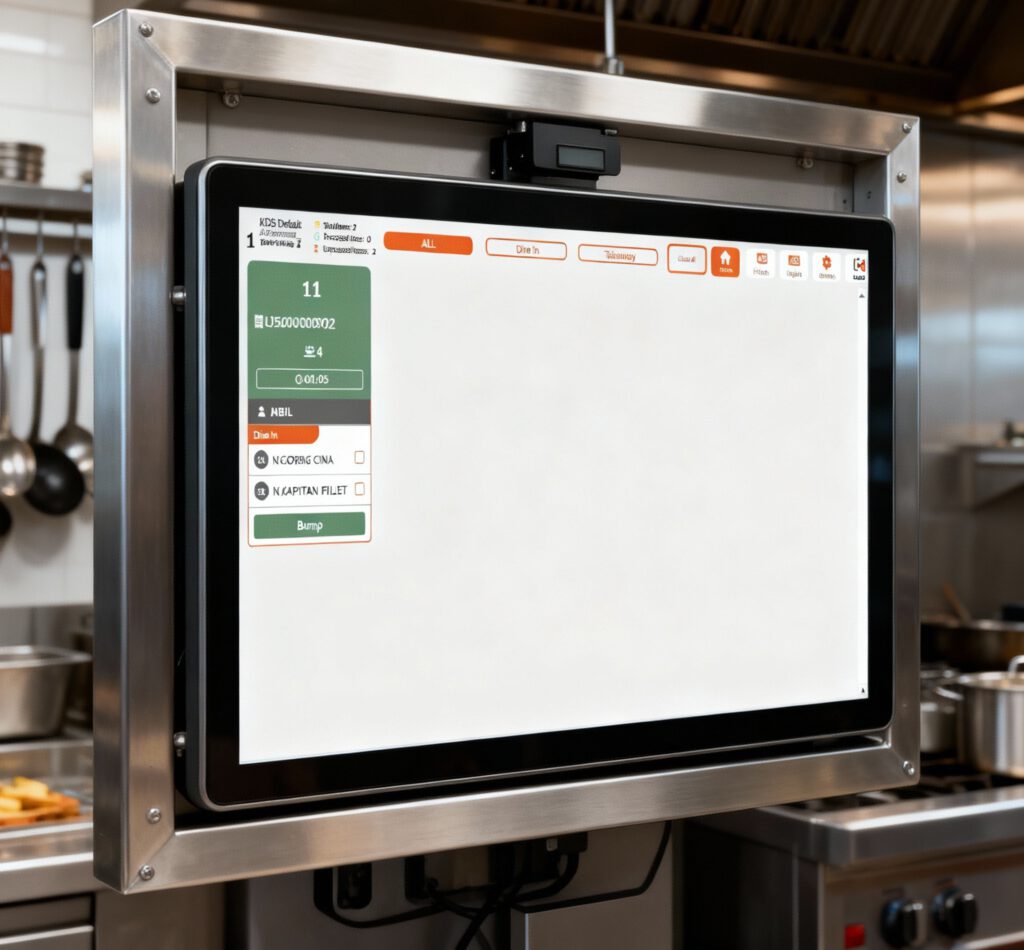
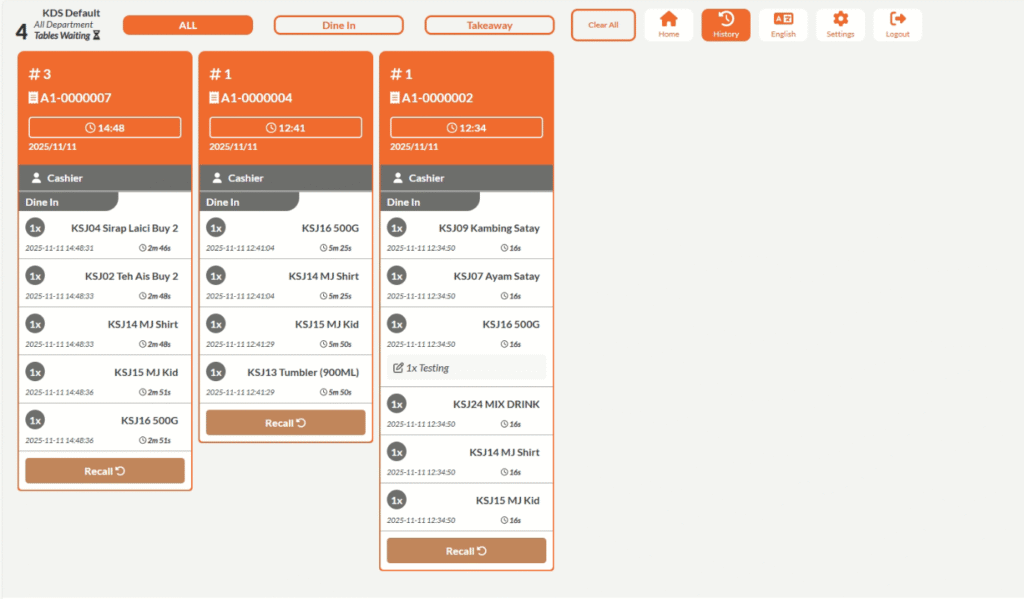
Kitchen Display Module
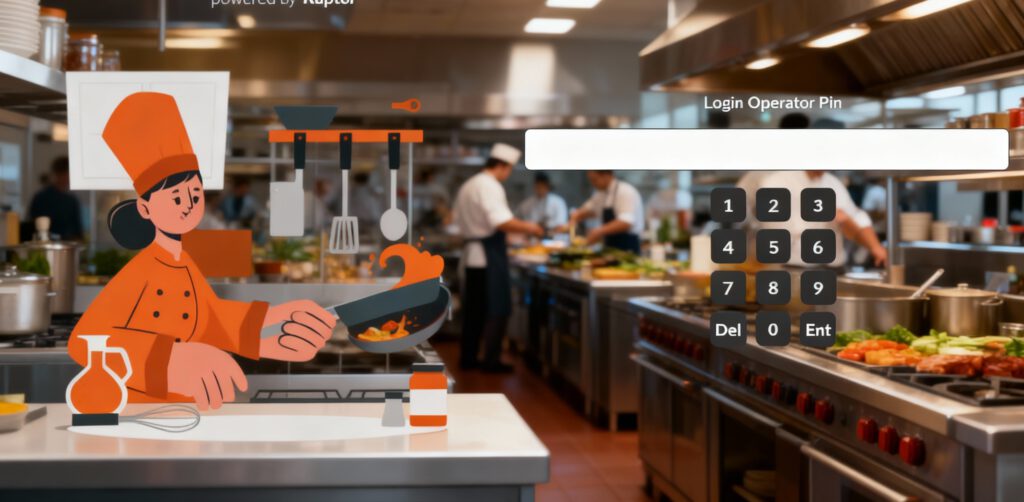
  • Displays customer orders instantly from the POS system to the kitchen screen.

  • Eliminates the need for printed kitchen tickets or handwritten notes.

  • Uses color-coded order statuses for easy tracking.

  • Allows chefs to mark items as completed with a single tap. 

Crop anonymous female employee with application on cellphone screen interacting with partner using tablet at counter in cafeteria
QR Code Model
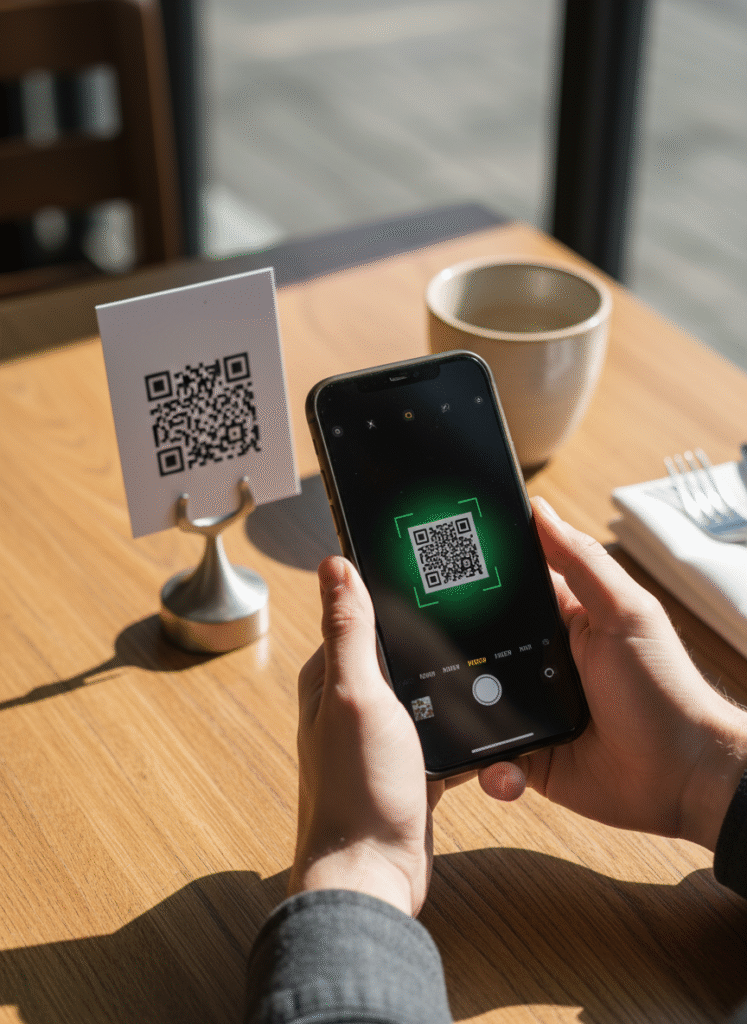
  • Customers can scan a unique QR code displayed on the table, counter, or packaging using their smartphone.

  • Customers can browse the menu, customize items, and place orders directly through their mobile devices without needing staff assistance.

  • Orders are instantly transmitted to the kitchen or point-of-sale system, ensuring faster service and accurate order handling.

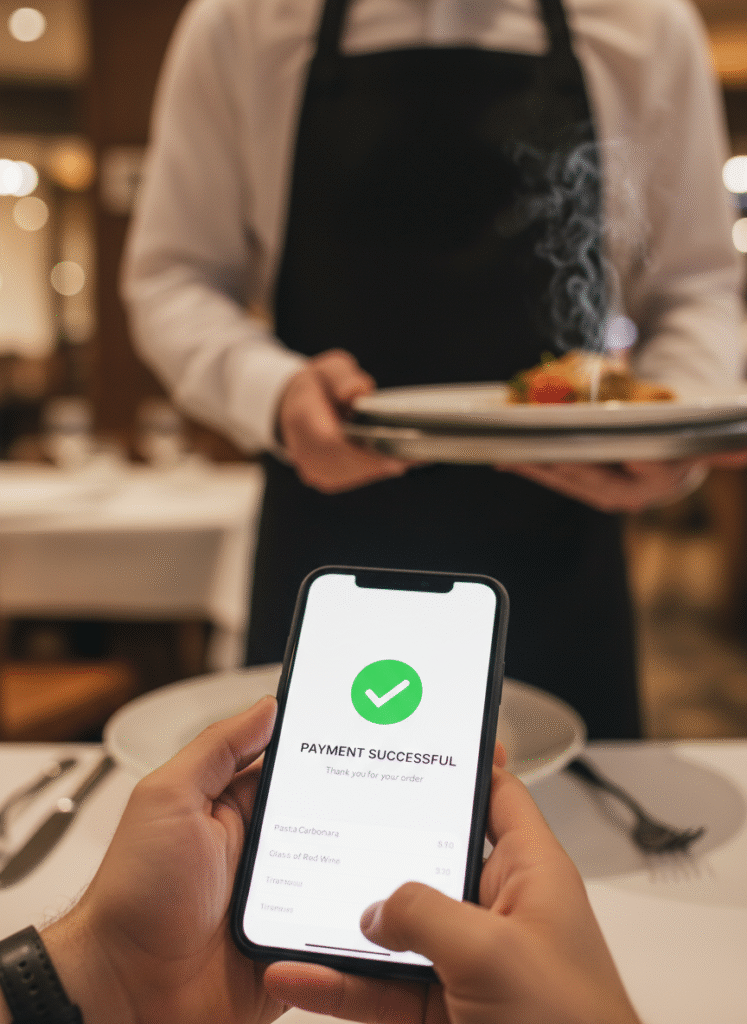
  • The model supports integrated mobile payment options, allowing customers to pay seamlessly after ordering.

Third-Party Integrations
  • Automatically syncs orders from delivery platforms in real time, reducing manual input, centralizing order management, and ensuring faster, more accurate deliveries.
  • Enables secure cashless transactions via e-wallets, QR Pay, and online banking with real-time payment confirmation and automated transaction recording.
  • Transfers sales, invoice, and payment data directly to accounting software, ensuring accurate financial synchronization, simplified bookkeeping, and up-to-date reporting.