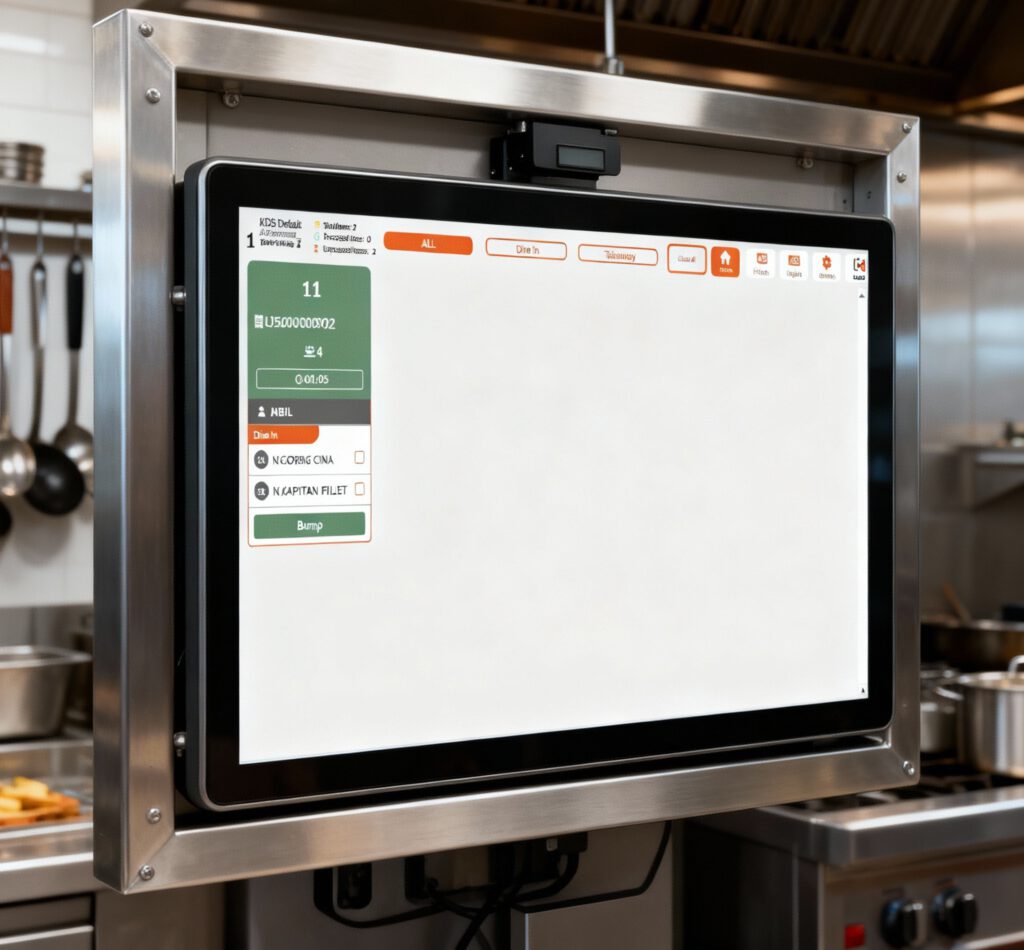
Everything you need to master Finger POS in one place. Whether you are setting up your first terminal, managing promotion codes, or reviewing your daily sales summary, our step-by-step guides are designed to get you up and running quickly. From initial configuration to advanced reporting, we’ve simplified the technical details so you can focus on serving your customers.
This manual provides a clear breakdown of every Finger POS feature, from processing daily transactions to managing your inventory and sales reports. You’ll also find a dedicated section for frequently asked questions to help you quickly troubleshoot common setup steps and get the most out of your system.